

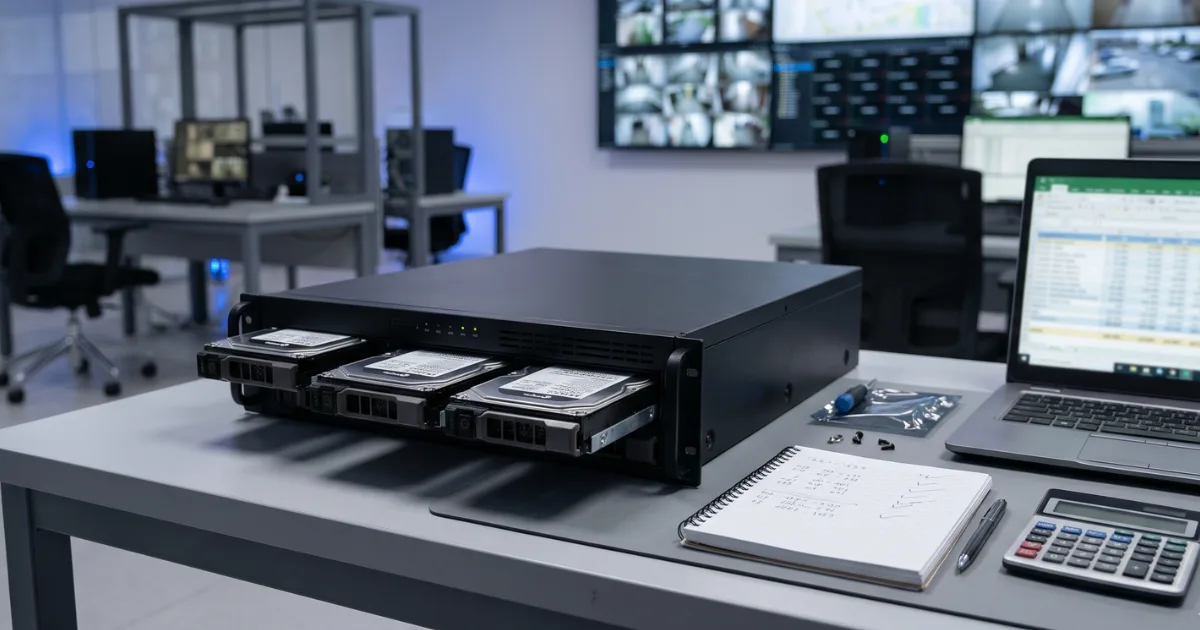
Why Storage Size Matters More in the UAE
SIRA's Preventative Systems Manual sets a minimum of 31 days of recorded footage for all cameras on most regulated premises. Financial institutions face a higher bar, with at least 75 days for ATM cameras.
So if you run a shop, office, or warehouse that falls under SIRA rules, your drive has to hold a full month of video from every camera. The exact requirement depends on your business category and size, so confirm it with a SIRA approved CCTV company in Dubai before you buy anything.
For a private villa or apartment, there's no fixed number to hit. You pick how far back you want to look. Still, the math is the same.
The Four Numbers You Need
Every storage estimate comes down to four inputs.
1. Number of Cameras
Count every camera recording to the same NVR or DVR.
2. Bitrate per Camera
Bitrate is how much data a camera sends each second, shown in Mbps on the spec sheet or recorder settings. Higher resolution, higher frame rate, and busier scenes all push it up.
It changes your answer more than anything else, so take it from your real settings.
3. Recording Hours per Day
Continuous recording runs 24 hours. Motion-based recording only saves clips when something moves, so a quiet storeroom might log just a few hours of real footage a day.
4. Days of Retention
This is how many days of footage stay on the drive before the oldest files get overwritten. For SIRA-regulated sites, start at 31.
The CCTV Storage Calculation Formula
Here's the shortcut:
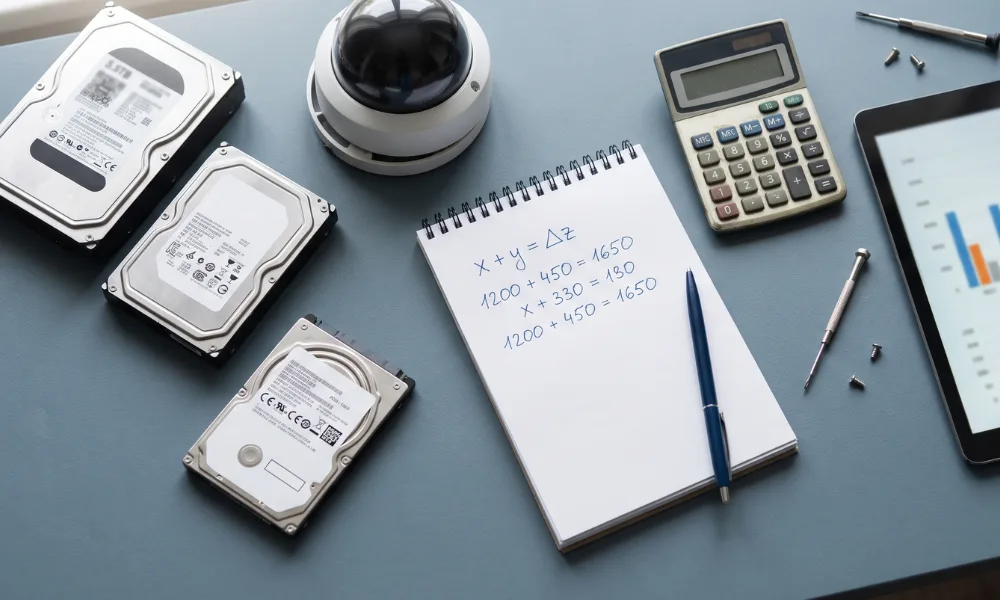
GB per camera per day = bitrate (Mbps) × 0.45 × recording hours
Where does 0.45 come from? One megabit per second, running for an hour, adds up to about 0.45 gigabytes.
Then:
Total storage (GB) = GB per camera per day × number of cameras × days
That's the whole CCTV storage calculation. Everything else is detailed.
A Worked Example
Say you own a small shop with 8 IP cameras. Each one records at 4 Mbps, around the clock, and SIRA's 31-day minimum applies.
- Per camera per day: 4 × 0.45 × 24 = 43.2 GB
- All 8 cameras per day: 43.2 × 8 = 345.6 GB
- Over 31 days: 345.6 × 31 = 10,713.6 GB, or roughly 10.7 TB
Now compare a villa owner with 4 cameras at the same bitrate, recording on motion for about 6 hours a day, keeping 14 days:
- 4 × 0.45 × 6 = 10.8 GB per camera per day
- 10.8 × 4 cameras × 14 days = 604.8 GB
Same formula. One needs over 10 TB, the other fits on a 1 TB drive.
Note: the 4 Mbps figure is only an example. Your own cameras may run higher or lower.
What Pushes the Number Up (or Down)
Resolution
IP cameras can reach up to 4K, which helps with faces and number plates. Sharper video almost always means a higher bitrate, so storage climbs with it.
Camera Type
Analog HD cameras run on existing coaxial cable and record to a DVR. IP cameras record to an NVR. The math is identical either way.
Wi-Fi cameras suit apartments and small shops where running cable is hard. Keep in mind they may not be accepted for SIRA-regulated premises, so check that before you plan storage around them.
Scene Activity
A camera facing a busy car park produces more data than one watching an empty corridor.
Retention Period
This one scales in a straight line. Double the days, double the drive. Longer retention means you'll need a bigger NVR or DVR, or more drive bays.
Using a Security Camera Storage Calculator
An online security camera storage calculator does the same arithmetic. Most ask for camera count, resolution, frame rate, compression type, and days. A brand's own CCTV calculator can help because it knows its models' bitrate defaults.
Two tips. First, enter the bitrate from your actual settings if the tool allows it. Second, treat the result as a floor, not a ceiling. Leave some spare room for growth and for the gap between a drive's advertised size and the space your recorder actually reports.
Final Thoughts
Storage is one of the quieter parts of security solutions in Dubai, yet it decides whether footage is there when you need it. Four numbers and one formula will tell you how much space your system really needs. If your premises fall under SIRA rules, build the plan around the 31-day minimum first, then size everything else to fit. Planning to view footage on your phone? Factor that in now.
So, how many days back could you check your footage today if something happened last night?
For readers in Dubai who'd like a professional look at retention and recorder sizing during a site survey, Bennellin works on CCTV design and SIRA documentation for homes and businesses.
FAQ
It depends on bitrate and how long you record. Four cameras at 4 Mbps recording 24/7 use about 173 GB a day, so a week needs around 1.2 TB. Check your real bitrate first.
For most SIRA-regulated premises, it's a minimum of 31 days for all cameras. ATM cameras at financial institutions need at least 75 days. Confirm your own category with SIRA or a licensed contractor.
Usually, yes. Higher resolution tends to mean a higher bitrate, and bit rate drives storage. You'll often need a bigger drive or fewer retention days.
It can save a lot. If cameras only record when something moves, fewer hours get stored each day. Just make sure it still meets any retention rule that applies to you.
It's a good starting point. Accuracy depends on the bitrate it assumes, so use your camera's actual setting where you can and add some spare room.