
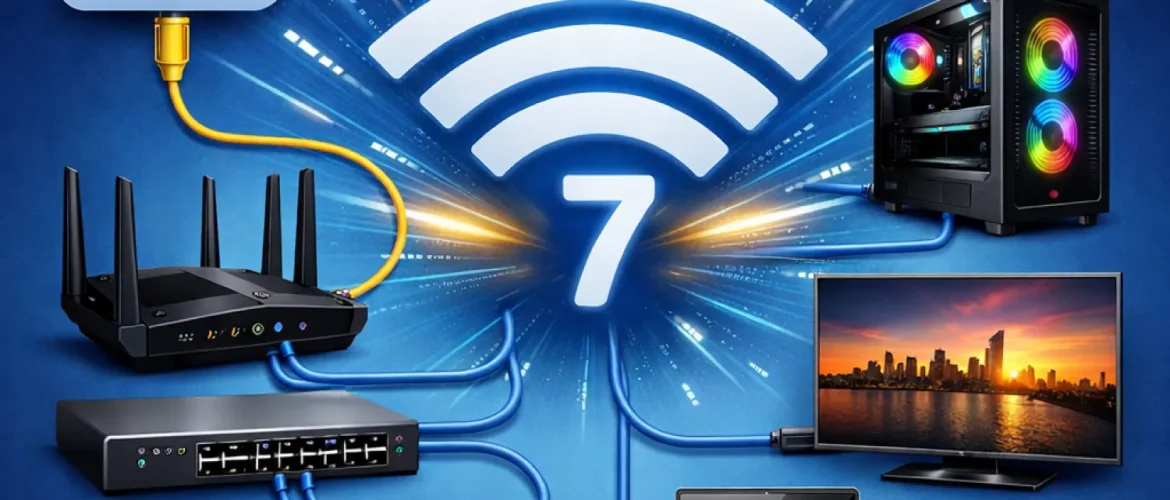
Wi-Fi 7 is here, and it’s fast. We’re talking theoretical speeds of up to 46 Gbps. But here’s the cold, hard truth: your shiny new access points (APs) are only as good as the copper wires hidden in your ceiling. If you try to run a Wi-Fi 7 network on old Cat5e or basic Cat6 cables, you’re essentially putting bicycle tyres on a Ferrari. You’ll hit a bottleneck before you even finish your morning coffee. The WiFi 7 cabling requirements for a modern office demand a shift in how we think about structured cabling.
It’s no longer just about connectivity; it’s about massive throughput and high-wattage power.
Table of Contents
Why Your Old Cables Won’t Cut It?
Most offices are currently wired with Cat6. While Cat6 is decent, it usually maxes out at 1 Gbps over 100 meters. Wi-Fi 7 APs are designed for multi-gigabit backhaul.
To actually see the benefits of features like Multi-Link Operation (MLO), your wired infrastructure needs to support at least 2.5 GbE, though 10 GbE is the gold standard for high-density zones.
Cat6A: The Non-Negotiable Standard
For any new office rollout in the UAE, Cat6A is the baseline. Why? Because it’s certified for 10GBASE-T up to 100 meters.
Unlike its predecessors, Cat6A has thicker conductors (usually 23 AWG). This isn’t just for speed; it’s for heat. Wi-Fi 7 APs are power-hungry beasts. They often require PoE++ (802.3bt), which pumps up to 60W or even 90W through the line.
Thinner cables can overheat when bundled together under these high power loads. Cat6A handles the thermal stress far better, ensuring your network doesn’t literally cook itself during peak hours.

What About Cat8 for Large Offices?
You might hear people whispering about Cat8. It’s tempting. 40 Gbps sounds great on paper. The catch? Distance.
Cat8 is limited to roughly 30 meters. That’s fine for a data center rack, but in a large office, it’s useless for reaching an AP at the far end of the hallway. Stick to Cat6A for your horizontal runs to ensure you get that full 100-meter reach without signal loss.
The PoE++ Factor: Powering the Beast
A Wi-Fi 7 AP does a lot. It manages three bands (2.4, 5, and 6 GHz), handles complex 4096-QAM modulation, and runs advanced analytics. All of that takes juice.
If you plug a Wi-Fi 7 AP into a standard PoE+ switch, it might boot up, but it will likely disable its most powerful features to save power. You need a structured cabling plant designed for 802.3bt Type 3 or Type 4 power delivery. This ensures your APs run at 100% capacity, 100% of the time.
Fiber Optic Backbones: The Hidden Hero
While the “last mile” to the AP is copper, your closet-to-closet links need an upgrade too. If you have ten Wi-Fi 7 APs hitting an access switch, and that switch only has a 10 Gbps fiber uplink to the core, you’ve created a new choke point.
We recommend upgrading your backbone to OM4 or OS2 fiber to support 25G or 40G uplinks. This ensures the data has a clear path once it leaves the wireless airwaves.
Final Thoughts on WiFi 7 Cabling Requirements for Your Office
Upgrading to Wi-Fi 7 isn’t just about buying new hardware; it’s about auditing your physical foundation. If your cables are over five years old, they’re likely the weakest link in your digital chain.
At Bennellin, we specialize in high-speed [Internal Link: Structured cabling in Dubai] that’s built for the next decade, not just the next year.
FAQ
Can I run Wi-Fi 7 on my existing Cat6 cables?
Technically, yes, but you’ll be capped at 1 Gbps (or 5 Gbps if the run is very short). You won’t get the “WiFi 7” experience you paid for. It’s like buying a 4K TV and watching VHS tapes on it.
Is Cat6A really necessary for every single port?
For your Wi-Fi access points? Absolutely. For a printer or a basic VoIP phone? Probably not. But for future-proofing, running Cat6A everywhere prevents you from having to rip open the ceilings again in three years.
What is PoE++ and why does it matter for WiFi 7?
Wi-Fi 7 APs use more power because they have more radios and processors working at once. PoE++ provides up to 90W of power. Without it, your AP might shut down its 6 GHz band or reduce its range to stay within a lower power budget.
Does Bennellin handle the switch upgrades too?
Yes. Structured cabling is only half the battle. We also configure the multi-gigabit switches and PoE++ power budgets needed to make the whole system sing.

